
Introduction to Donobu Studio
What Donobu Studio is, who it's for, and how it fits into the Donobu ecosystem.
What is Donobu Studio?
Donobu Studio is a desktop application for macOS and Windows that lets you create and run AI-powered browser automations using plain-English prompts. It is the visual, no-code interface to the Donobu platform.
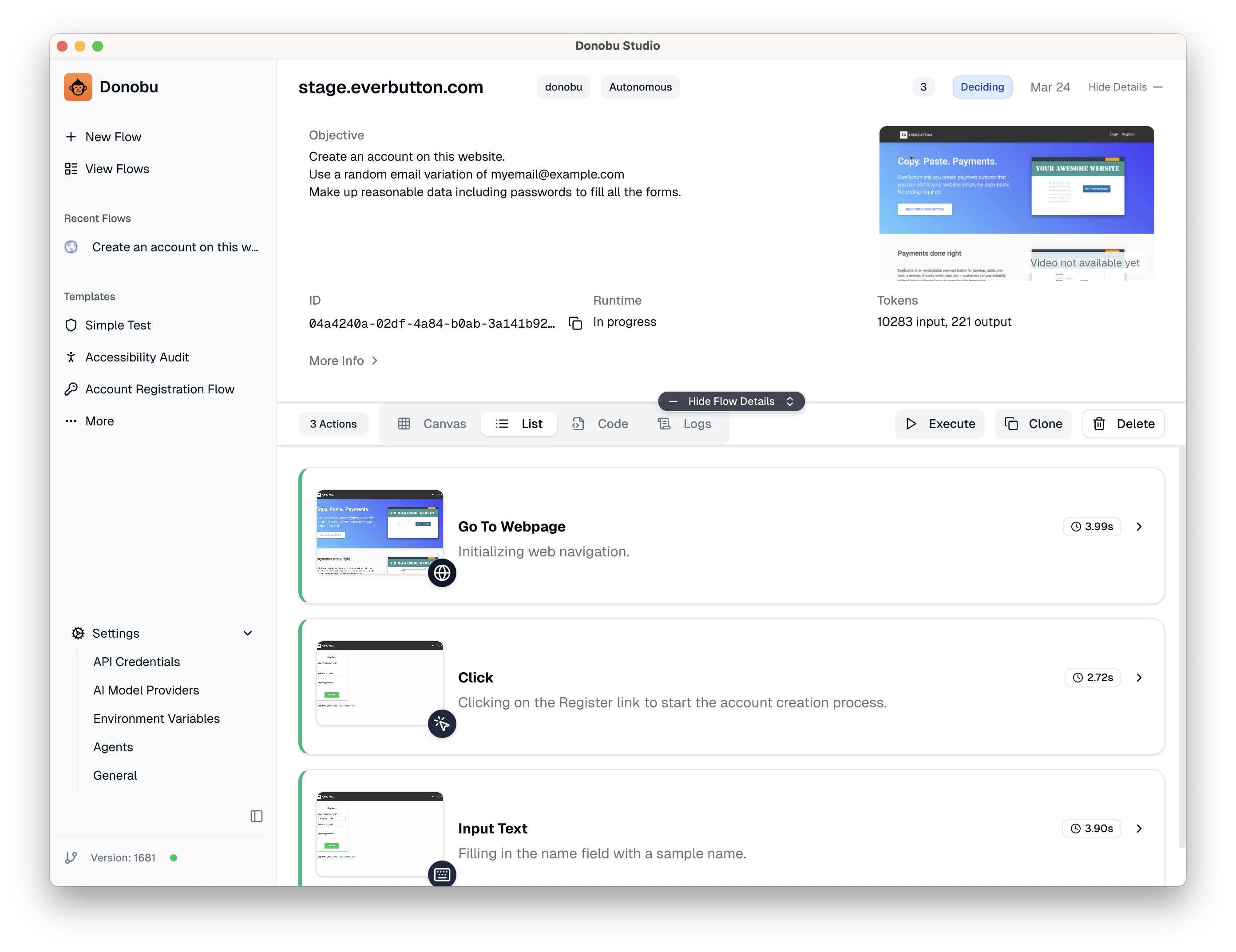
With Studio, you can:
- Describe a task in natural language and watch the AI carry it out in a real browser
- Review every step the AI took, with screenshots and video
- Rerun successful flows instantly, with minimal AI calls
- Export flows as Playwright test scripts for use in CI/CD
- Manage LLM provider keys, environment variables, and browser preferences
Who is Studio for?
Studio is designed for anyone who wants to automate or test browser-based workflows without writing code:
- QA engineers who want to create and manage test cases visually
- Product managers who want to validate user flows without developer assistance
- Developers who want to quickly prototype an automation before writing a Playwright test
If you prefer writing Playwright tests directly, see the Donobu Playwright Extension instead. Both Studio and the Extension are powered by the same underlying Donobu API.
Key features
Flow Pilot: AI-Powered Navigation
Flow Pilot is Studio's intelligent automation agent. Describe what you want to achieve, and Flow Pilot:
- Understands the current state of the web page
- Determines the optimal sequence of actions to reach your goal
- Handles common obstacles like pop-ups, loading delays, and dynamic content
- Captures screenshots and metadata at every step
Terminology
- Actions — The building blocks of a flow, representing each individual task Donobu performs (e.g. navigate, click, type, assert).
- Flows — A series of actions triggered by your prompts, working together to accomplish your goal.
- Flow Pilot — Donobu's AI agent that autonomously determines the optimal sequence of actions to fulfil your objective.
- Execute — Execute a previously successful flow with minimal AI calls.
Multiple Execution Modes
- Autonomous — AI-driven decision making. Best for exploratory testing and complex workflows.
- Manual — You control the browser directly while Donobu records your actions. Useful for capturing login flows or authenticated sessions.
- Deterministic — Replays a previously recorded sequence of actions with minimal AI. Faster, consistent, and low-cost.
Visual Feedback
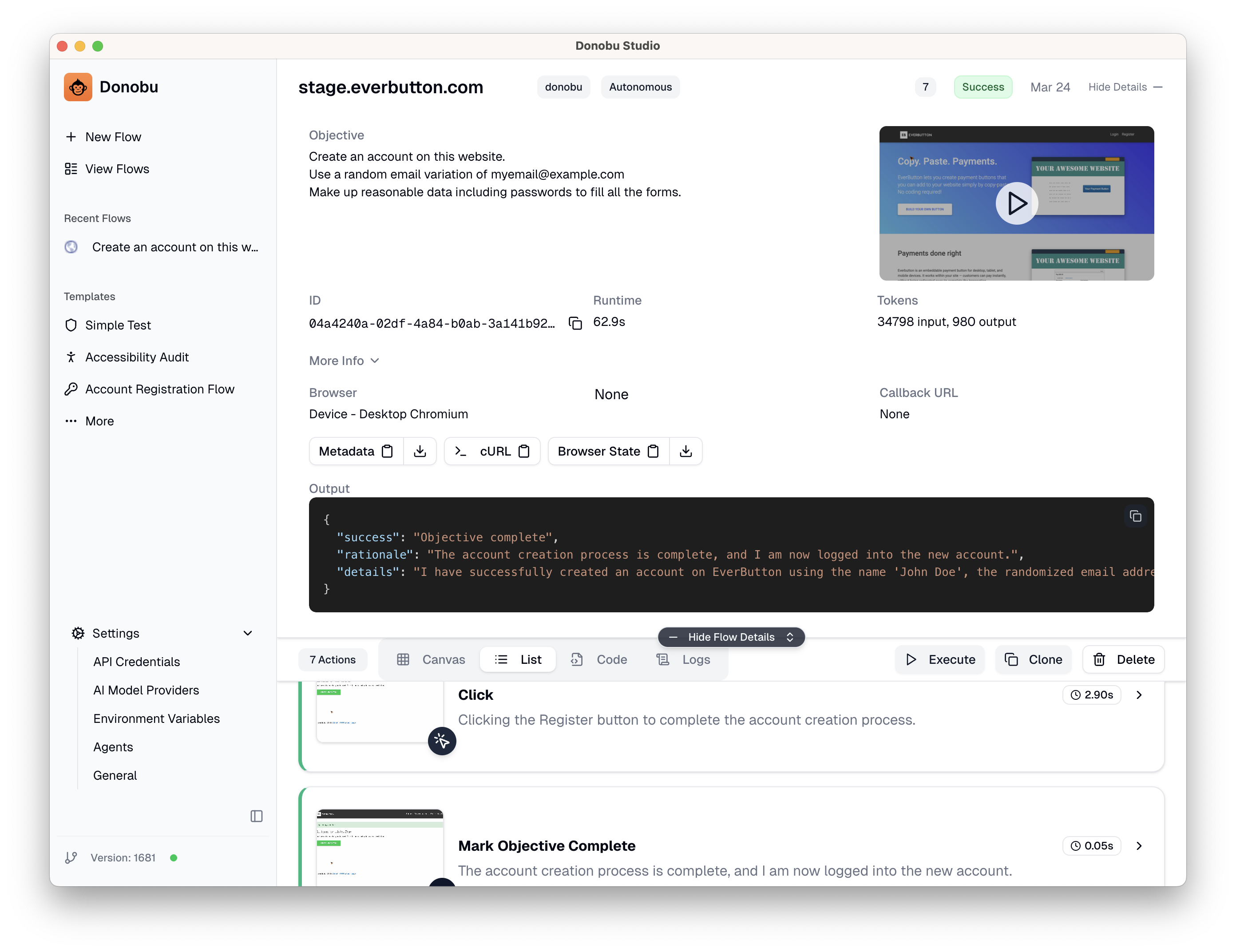
Every flow produces:
- Step-by-step timeline — See exactly what happened at each stage
- Screenshots — Captured after every action
- Video recording — Full replay of the browser session
- Metadata — Token usage, timing, browser, and other details
Export to Playwright
Any flow can be exported as a draft Playwright test script. This lets you:
- Prototype a test visually in Studio
- Export the generated code
- Add the test to your project's test suite
- Run it in CI/CD with the Donobu Playwright Extension
How Studio fits into Donobu
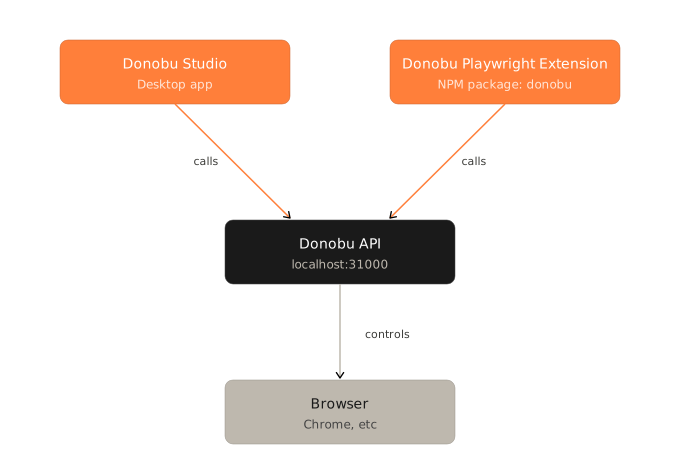
Studio and the Playwright Extension are two different interfaces to the same underlying Donobu API. Flows created in Studio and tests run with the Extension both appear in Studio's results view, making it a central place for reviewing all your automation activity.
Getting started
- Download & Install — Download the desktop app and follow the installer for your platform.
- Launch the App — Launch the Donobu Studio application.
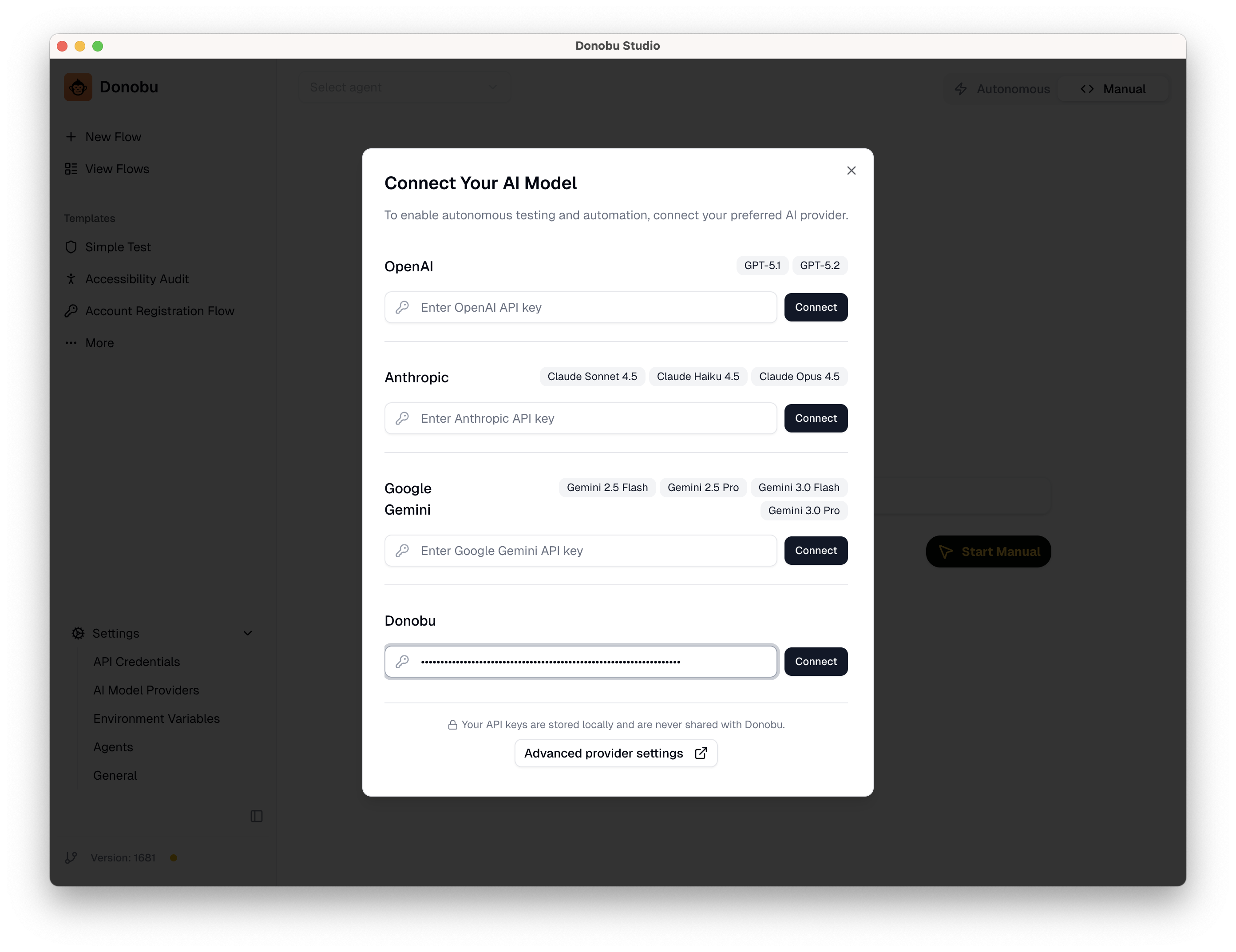
- Add Your LLM Key — Add at least one LLM provider key (Donobu, OpenAI, Anthropic, or Gemini) in the app settings. You can find your Donobu keys on your Keys page.
- Create Your First Flow — Follow the Creating Your First Flow guide.